UGC audio: how to sound as good as you look
Bad audio kills great UGC. Learn the microphones, recording environments, and editing tricks that make brands notice your content — and book you again.

Most new UGC creators obsess over cameras, lighting rigs, and backdrops — and completely ignore the thing that will actually lose them campaigns: bad audio. Brands watch your submission for five seconds, and if the audio sounds hollow, muffled, or full of room echo, they move on. Good sound is the fastest way to go from overlooked to booked.
Why audio matters more than you think
Video quality has a floor. If it's sharp enough to read text and see your face clearly, most brands are happy — especially for social-first content. Audio doesn't work that way. The human brain is remarkably tolerant of grainy video but immediately flags distorted, echoey, or noisy sound as "low quality." Research from Wistia found that poor audio quality causes viewers to abandon video faster than poor video quality. That instinct applies directly to brand reviewers scrolling through creator submissions.
The good news? You don't need a recording studio. You need the right habits and a few affordable tools.
Audio quality is one of the first things brand managers notice when reviewing UGC submissions. It signals professionalism before the product is even mentioned.
Choosing the right microphone for UGC
You have three practical options as a UGC creator, and each has a clear use case.
USB condenser microphones
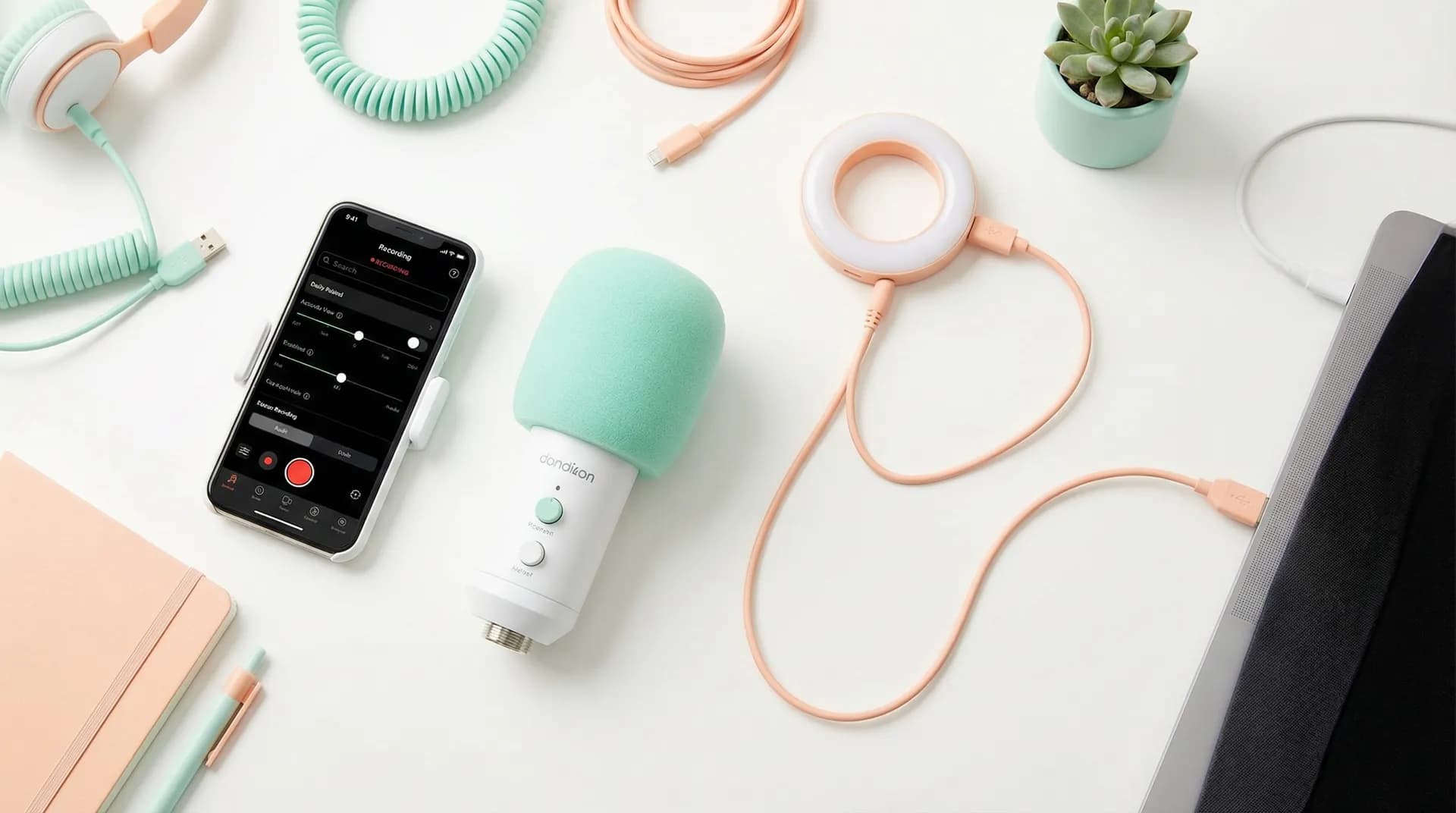
If you film at a desk or in one fixed spot, a USB condenser mic is your best investment under $100. Options like the Blue Yeti Nano or the RØDE NT-USB Mini plug straight into your laptop or phone adapter, need no audio interface, and produce broadcast-quality voice recordings. The catch: they pick up room noise, so your environment matters (more on that below).
Lavalier (clip-on) microphones
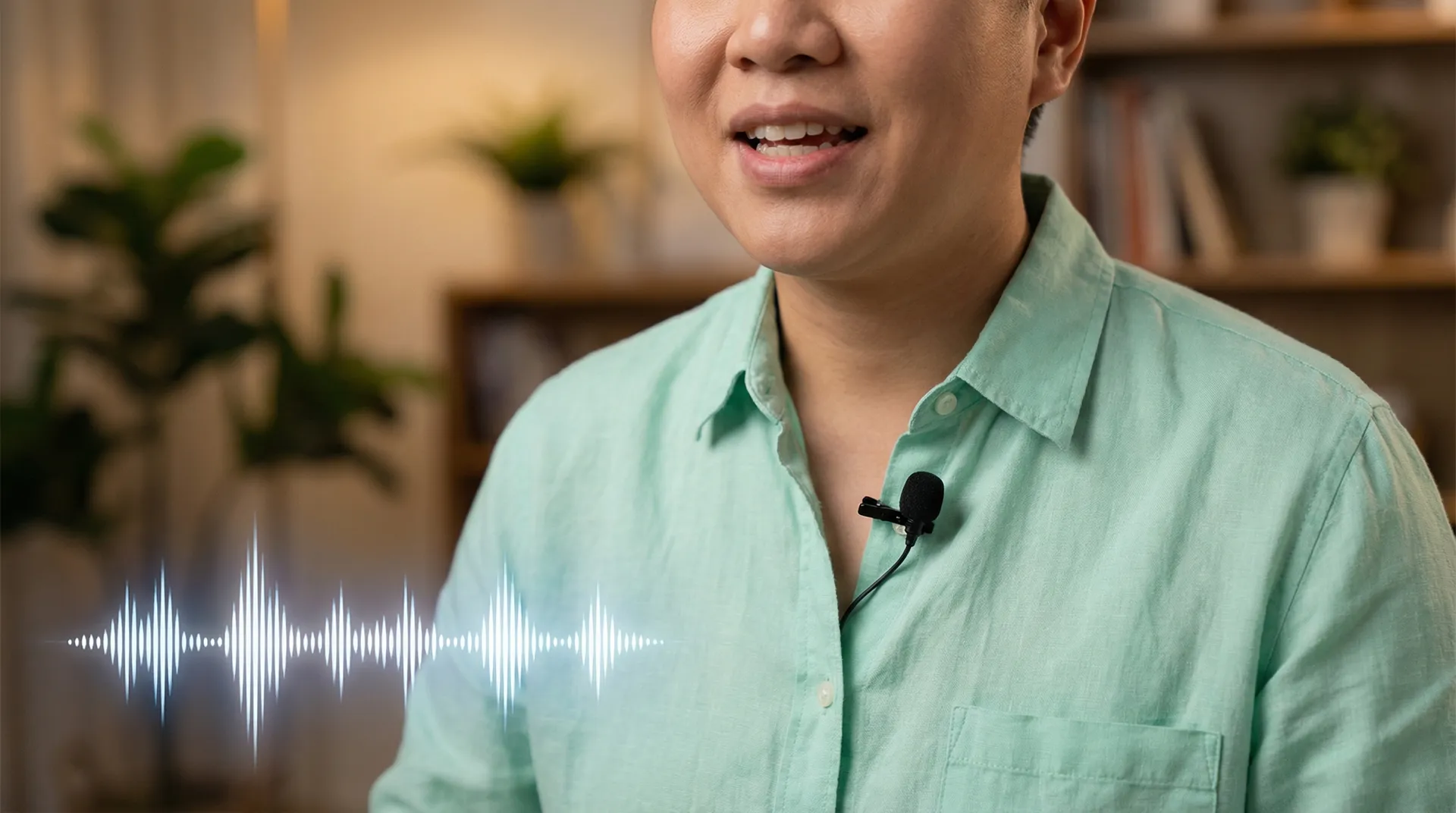
Lavs are the UGC workhorse. You clip them to your shirt, they sit close to your mouth, and they reject most background noise naturally. Wireless lavs from brands like DJI (Mic 2) or Rode (Wireless GO II) give you freedom to move — great for lifestyle, kitchen, or outdoor UGC. Wired lavs like the Rode SmartLav+ work well when you're stationary and want a budget-friendly option that plugs straight into your phone.
Smartphone directional microphones
These small mics plug into your phone's USB-C or Lightning port and point toward your mouth. The Shure MV88 and the RØDE VideoMicro II are popular choices. They're compact, travel-friendly, and dramatically outperform your phone's built-in mic. If you shoot everything on your phone, this is where to start.
Before buying any microphone, film a 30-second test with your phone's built-in mic, then listen back on headphones. You'll immediately hear exactly what you're trying to improve — that will guide your purchase decision.
Recording environment: your cheapest upgrade
The room you record in shapes your audio more than any microphone. Hard, flat surfaces (tile floors, bare walls, glass) reflect sound waves and create that echoey, "recording in a bathroom" effect that brands hate. Here's how to fix it without acoustic panels.
The closet trick is the oldest creator hack for a reason — clothes absorb sound beautifully. If you have a walk-in closet, record there. Even recording in front of an open wardrobe works.
Soft furnishings are your friends. A bedroom with a carpeted floor, curtains, and a bed full of pillows is genuinely a better recording space than a sleek, minimalist living room with hardwood floors.
Background noise is a silent killer. HVAC systems, refrigerators, traffic, and even your laptop fan get picked up by condenser mics. Record in 10-second bursts and listen back immediately. If you hear a hum, find the source and eliminate it before filming a full take.
Distance and angle matter. For USB mics, 6–8 inches away at a slight angle (not directly in front of your mouth) reduces plosives — those pop sounds on "P" and "B" words. A cheap pop filter helps here too.
Common UGC audio mistakes (and how to fix them)
Even creators with decent gear fall into these traps.
Relying on camera auto-levels
Most cameras and phones have automatic audio gain control (AGC). It sounds helpful but it isn't — AGC constantly adjusts volume levels, which means quiet moments get boosted (bringing up background noise) and loud moments get compressed. For voiceover-heavy UGC, disable AGC and set a fixed input level manually. Aim for peaks around -12 dB on your audio meter, leaving headroom before distortion.
Recording ambient sound separately
This is a pro move most beginners skip. After your main take, record 30–60 seconds of "room tone" — just silence in your recording space with the mic running. When you edit and need to cut out a cough, a stumble, or a pause, you can fill the gap with matching room tone instead of an obvious silence hole. It makes cuts invisible.
Ignoring wind noise outdoors
Outdoor UGC — product demos at the beach, lifestyle content in the park — gets wrecked by wind hitting exposed microphone capsules. A simple foam windscreen (often called a "dead cat" or "windjammer") slips over your mic and cuts wind noise dramatically. They cost under $15 and are worth every cent.
If you're recording outdoor UGC, always use a windscreen. Even a "light breeze" becomes a loud roar on microphone recordings and is nearly impossible to fix in post-production.
Skipping noise reduction in editing
Free tools like Audacity and Adobe Podcast's AI audio enhancer can remove background noise from a recording in seconds. Adobe Podcast's Enhance Speech tool is particularly powerful — upload a clip, hit enhance, and it strips room noise and EQ's your voice for clarity automatically. Spend five minutes on audio cleanup before exporting your UGC and it will sound noticeably more polished.
Audio for different UGC formats
Not all UGC is the same, and your audio approach should match the format.
| Format | Best Mic Option | Key Consideration |
|---|---|---|
| Talking-head review | USB condenser or wireless lav | Room treatment matters most |
| Unboxing / hands-on demo | Wireless lav | Freedom of movement, stable levels |
| Lifestyle / walking content | Wireless lav | Wind protection outdoors |
| Screen recording / tutorial | USB condenser | Software noise reduction |
| ASMR / beauty | Large diaphragm condenser | Ultra-quiet environment needed |
Voiceover vs. sync sound
Some UGC formats work better with voiceover recorded separately from the video, rather than capturing your voice live on camera. This is especially true for:
- Product demos where you're handling and turning items (handling noise)
- Kitchen or cooking content (sizzle, chopping sounds compete with your voice)
- Any content filmed in a noisy public space
Recording a clean voiceover in a quiet space and syncing it to your video in editing gives you pristine audio quality without environmental compromises. It takes a bit more editing time, but the result is significantly more professional — and that professionalism translates directly to campaign approvals.
As you level up your craft and build a UGC portfolio that wins campaigns, consistently clean audio will become one of your most bankable technical skills. Brands return to creators who make their production process easy, and great audio means less back-and-forth over re-shoots.
Record your voiceover immediately after a full take while your energy and tone are still fresh. Don't wait until editing day — you'll sound flat and disconnected from the video.
Music, sound effects, and licensing
Background music adds energy and pacing to UGC, but using copyrighted music in brand content creates real legal problems — for you and the brand. Always use royalty-free music from cleared libraries. Epidemic Sound, Artlist, and Soundstripe offer subscription plans with commercial licensing suitable for UGC campaigns. Many brands will specify their preferred music source or send approved tracks directly — follow their brief exactly.
Sound effects — notification pings, whooshes, transition sounds — can make UGC feel polished and native to social platforms. Just keep them subtle. UGC that sounds over-produced loses the authenticity that makes it effective. According to Sprout Social, authentic-feeling content consistently outperforms highly polished brand video in engagement — audio design should support that authentic feel, not undercut it.
Building audio into your workflow from day one
The creators who grow fastest treat audio as a non-negotiable from their very first submission, not an afterthought they'll "fix later." Whether you're just starting out and working through our beginner's guide to UGC video production, or you're already applying to paid campaigns via Crelio's creator marketplace, the same rule applies: record clean, edit smart, and your audio will set you apart before brands even finish watching.
Great audio is also one of the things brands mention specifically in positive feedback. That feedback becomes part of your track record — and a strong track record is what turns a first campaign into a steady stream of bookings. Our guide on how to land your first UGC campaign covers the full picture, but audio quality is one technical element that's entirely in your control right now.
Quick-start audio checklist
Before you hit record on your next UGC submission, run through this:
- Microphone connected and input levels set (peaks around -12 dB)
- AGC disabled if using a camera or phone
- Room check done — HVAC off, fridge hum checked, windows closed
- Pop filter or foam windscreen in place
- 30 seconds of room tone recorded
- Playback on headphones done before full take
- Music cleared for commercial use (if used)
Five minutes of prep prevents hours of re-recording.
Related reading
- How to Build a UGC Portfolio That Wins Campaigns — What brands actually look for in a creator portfolio
- UGC video production: your complete beginner's guide — Full walkthrough of camera, lighting, and filming basics
- How to Land Your First UGC Campaign as a Creator — Step-by-step guide to getting your first paid booking
- Why Brands Are Shifting Budgets From Influencers to UGC Creators — The market shift that makes this the right time to start